Tech Explained: How Whisper Stays Invisible
We've heard the concerns. Here's how we know Whisper remains undetectable.
Published on August 8, 2025
The Browser Bubble
Most assessments run in your web browser. Browsers are sandboxed: code in one tab cannot see or interact with apps outside of it.
An interview website can render the task and run scripts, but it is walled off from your computer and lacks permission to inspect other apps.
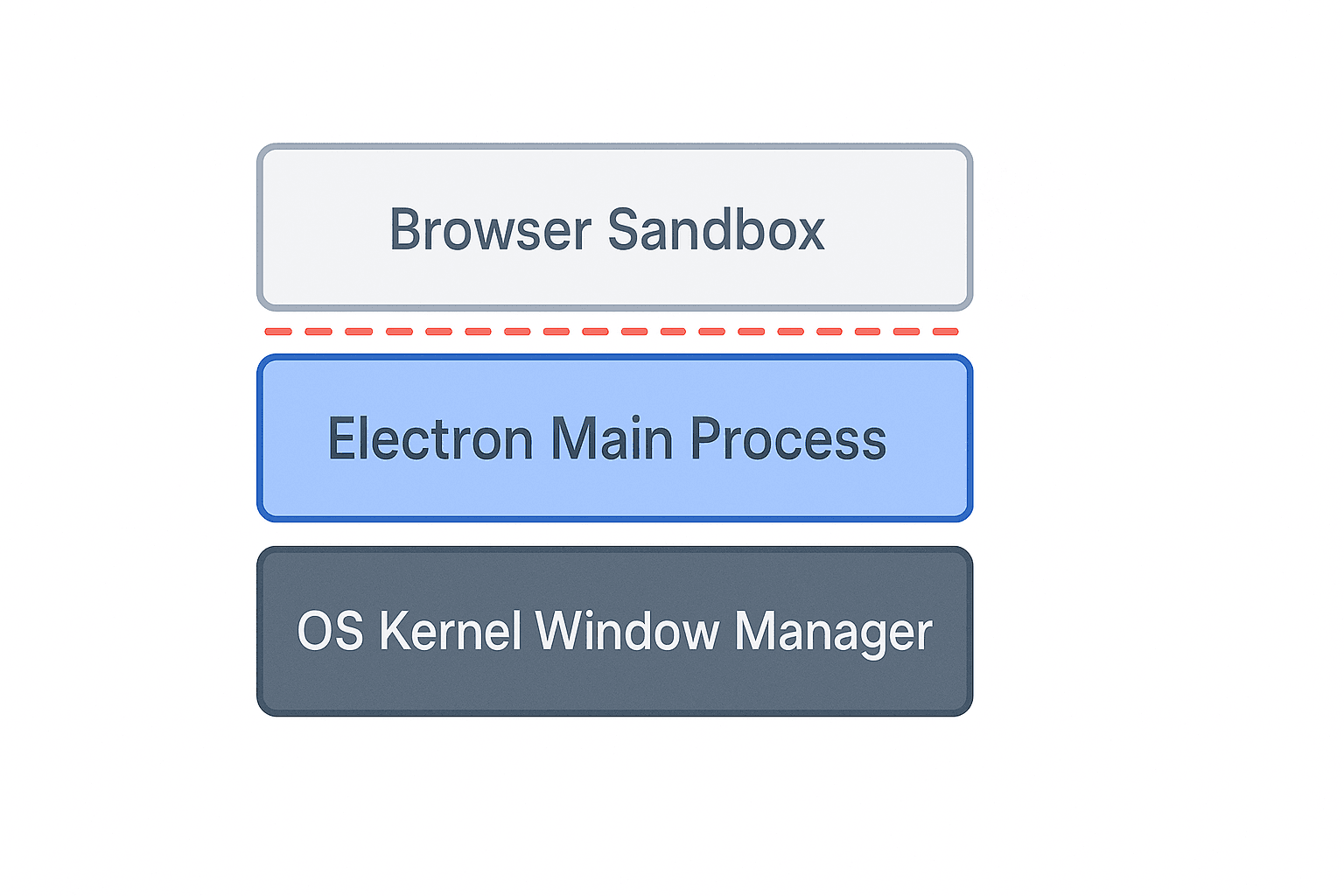
Browser sandbox running in an isolated tab
What interview platforms can see (inside the bubble)
Losing focus / switching tabs
They can detect when the tab loses focus, but they don't know which app became active.
window.addEventListener('blur', () => {
  // Handle when the user leaves the tab
});
Pasting code
They may monitor paste events and flag large or frequent pastes.
codeInput.addEventListener('paste', (event) => {
  // React to paste events here
});
Some platforms may use webcam monitoring or screen sharing upon request.
What they cannot see (outside the bubble)
- Know what app you switched to when focus is lost.
- Scan running apps or list processes from a webpage.
- Read memory from other applications.
- Capture global clicks/keystrokes outside their tab.
- See invisible native overlays in standard screen shares.
function getRunningApps() {
  // No browser API exists for this!
  return navigator.runningProcesses || [];
}

if (getRunningApps().includes('SomeApp.exe')) {
  // Impossible check
}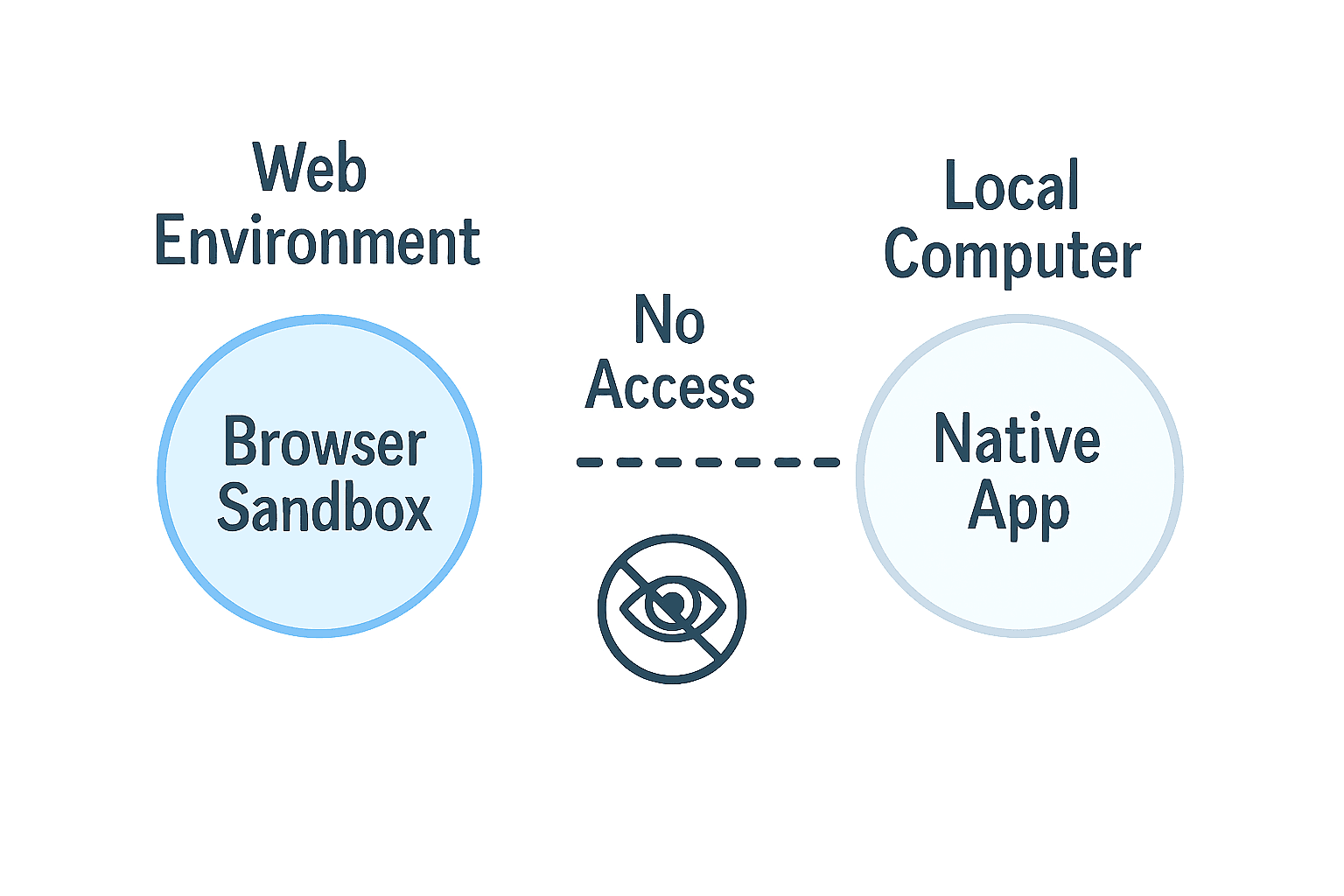
Web sandbox cannot access local native apps
Why Whisper is different
- • It is a native desktop app living outside the browser sandbox.
- • Uses OS window properties to be excluded from screen captures and shares.
- • Global hotkeys toggle visibility without affecting browser focus or tab state.
- • Overlay controls help align content with the on-screen editor to avoid suspicious eye movement.
- • Provides reasoning and comments to articulate your thought process.
- • Relies on standard operating system features with no unusual footprint.
What about desktop proctoring apps?
While possible, reputable platforms avoid forcing invasive desktop software due to security, privacy, and trust concerns.
- Huge security risks (potential spyware)
- Major privacy concerns
- Breaks user trust
The bottom line
Because interviews run inside sandboxed browser tabs and Whisper runs as a separate native app, standard detection cannot see it.
Go deeper
- Invisible Mode — the OS-level mechanism that hides Whisper App from screen capture.
- Real-Time Transcription — how local on-device transcription runs while a call is live.
- Security & Privacy — what stays local, what doesn’t leave your device, and our subprocessor list.
Questions? We're happy to chat more about the tech!
Written by Whisper Team